Tutorial Content:
- Introduction to struts 2
- configuring struts 2 in eclipse
- Struts 2 hello world example
- Login page with validation in struts 2
- Struts 2 interceptors with example
- File upload in struts 2
- Struts 2 ajax example
- Struts 2 spring 3 integration example
lets start with first struts2 application.
Create dynamic web project named “Struts2FirstProject”.For configuring struts 2 in your eclipse ide please refer configuring struts 2 link.
The web.xml file:
The web.xml configuration file is a J2EE configuration file that determines how elements of the HTTP request are processed by the servlet container. It is not strictly a Struts2 configuration file, but it is a file that needs to be configured for Struts2 to work.
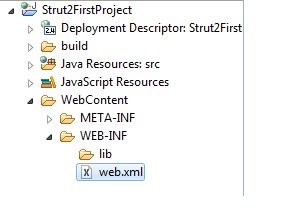
As discussed earlier, this file provides an entry point for any web application. The entry point of Struts2 application will be a filter defined in deployment descriptor (web.xml). Hence we will define an entry of FilterDispatcher class in web.xml. The web.xml file needs to be created under the folder WebContent/WEB-INF.
 Struts2FirstProject


          struts2


          org.apache.struts2.dispatcher.ng.filter.StrutsPrepareAndExecuteFilter


      struts2
      /*


  default.jsp
Action Class:
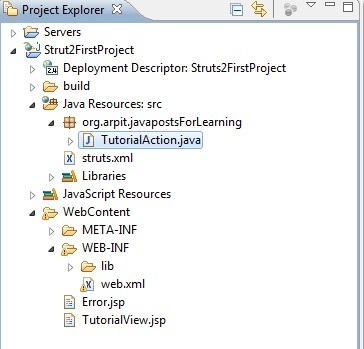
Create TutorialAction.java under src.Here we have TutorialAction.java as action class in our project.
package org.arpit.javapostsForLearning;

public class TutorialAction {

 public String execute()
 {
  String success="success";
  return success;
 }
}
JSP:
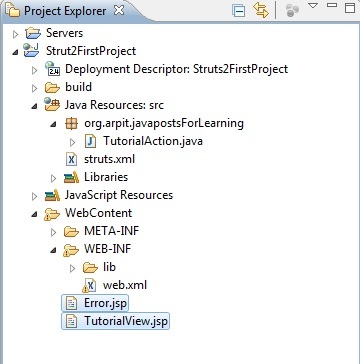
Create two jsp files named “TutorialView.jsp” and “Error.jsp” under WebContent.
<%@ page language="java" contentType="text/html; charset=ISO-8859-1" pageEncoding="ISO-8859-1"%>Struts2 tutorial Hello world!!!This is Struts 2 tutorial
copy following content into Error.jsp
<%@ page language="java" contentType="text/html; charset=ISO-8859-1" pageEncoding="ISO-8859-1"%>Insert title here Error!!!!
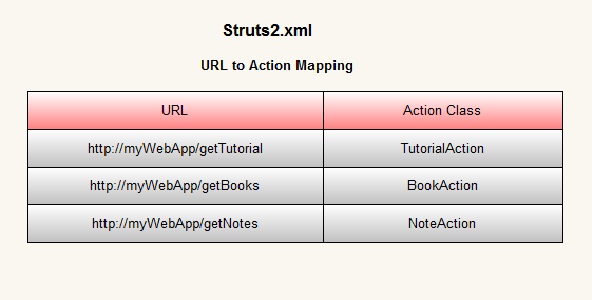
The struts.xml file:
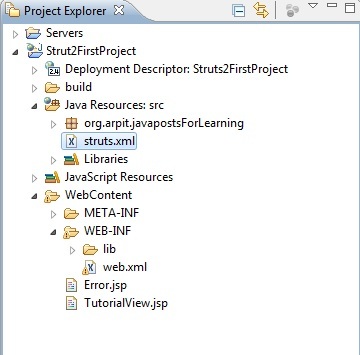
TutorialView.jsp
Error.jsp
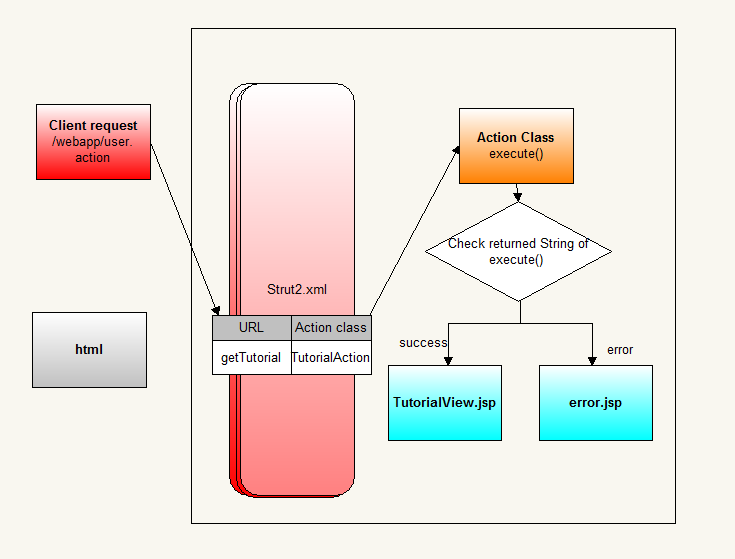
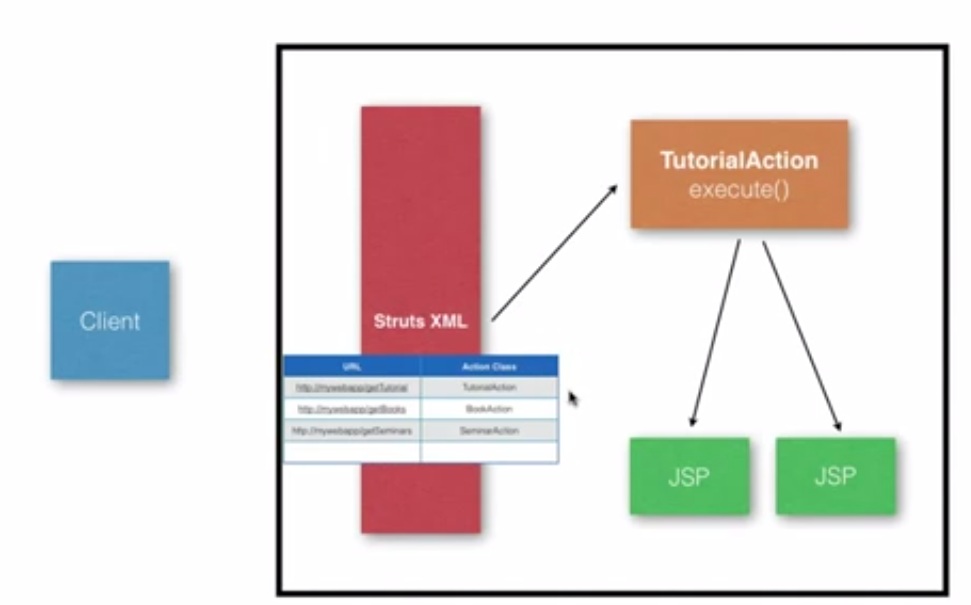
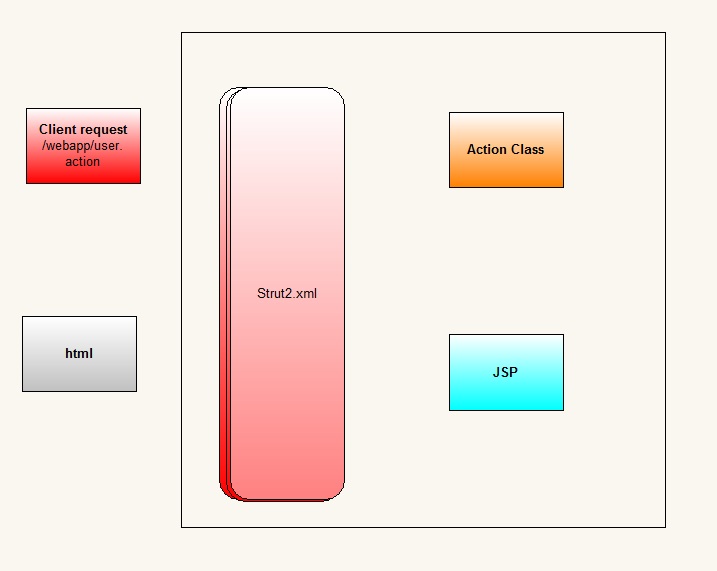
- Request(http://localhost:8080/Strut2FirstProject/getTutorial) is generated by client and sent to Servlet container.
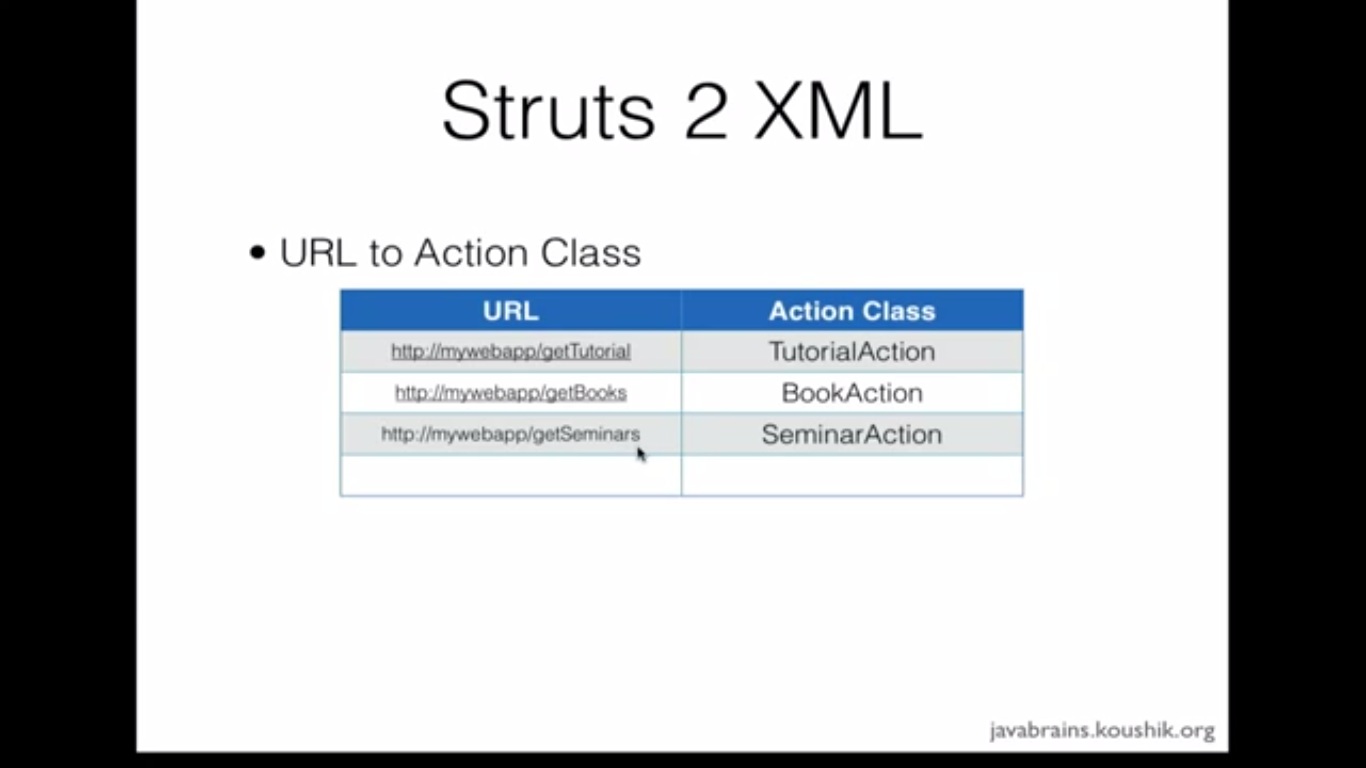
- Servlet container invokes FilterDispatcher filter which in turn determines appropriate action.In this project,getTutorial action goes to TutorialAction class.
- In tutorialAction,execute() method is executed and returns “success”
- As per mapping in struts2.xml, name is matched with returned string “success”.
- Accordingly,TutorialView.jsp is rendered and returned to user.
Now finally we will run our project.
right click on project->run as->run on server

so when you paste resultant url to your browser,you will get some thing like this.